 KitDesk
Booking approvals: why some kit needs a yes before it leaves
Approval does not stop double-booking, the system already does that on its own. Here is what it actually buys you, and how to set it up.
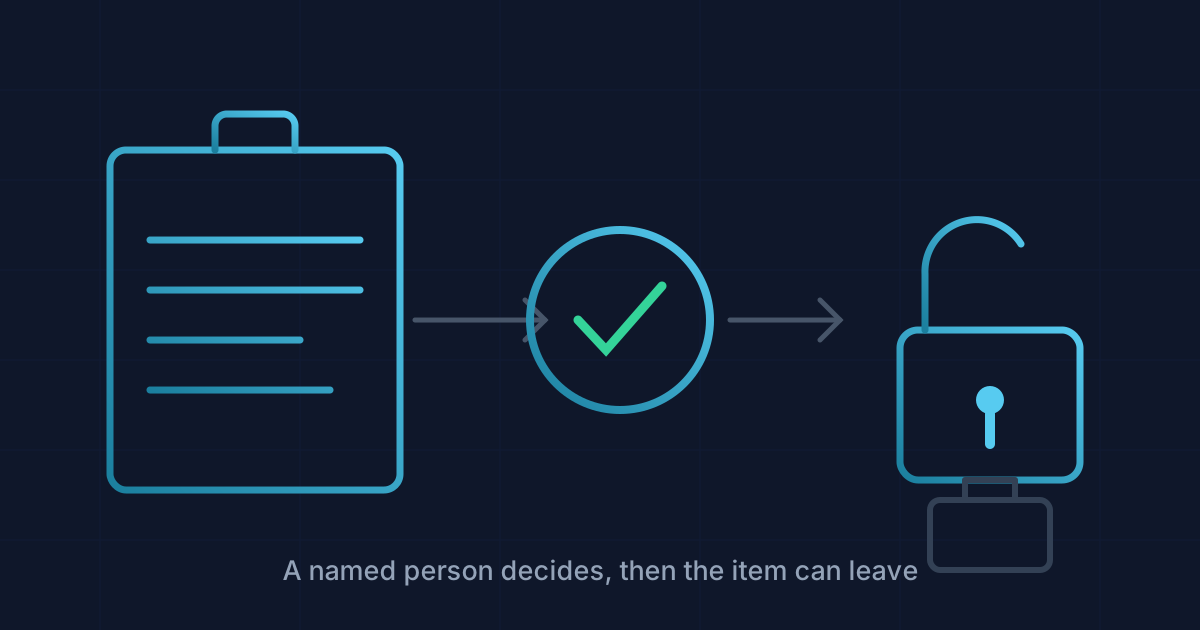
Turning on approvals does not stop two people booking the same drill for the same Tuesday. KitDesk already refuses that for everyone, admin or not, approval switched on or off. What approval buys you is different: a second pair of eyes on whether a booking should happen at all, before the kit is sitting in someone's car.
That distinction matters because it is easy to sell approvals as a fix for the wrong problem. If your worry is clashing bookings, you already have that covered. If your worry is a fifteen-year-old year 11 student walking off with a £2,000 camera because nobody was watching the cupboard on a Thursday afternoon, that is what a sign-off step is actually for.
Why bother
Three reasons come up, and only one of them is really about scheduling.
Accountability. When something goes missing or comes back broken, the useful question is not "who booked it" but "who thought this was a reasonable idea." A decision made by one named person, logged with a timestamp, answers that. A booking that nobody looked at before it left does not.
Budget and wear. A minibus, a PA rig, a set of tablets, anything with real value or a limited service life benefits from someone asking "do we actually need this for a five-minute assembly item" before it goes out the door for the third time this week. Staff rarely abuse this on purpose. They just do not see the whole picture the way whoever manages the store does.
Not having to say no in person. This is the one nobody puts in the sales pitch, but it is real. If a colleague can be turned down by a system rather than by you standing in front of them, that conversation gets a lot less awkward, and the person managing the kit is more willing to actually enforce the rule.
What actually happens
Every KitDesk account has three roles: owner, admin, staff. With approvals switched on, a booking made
by staff comes in with status requested rather than reserved. An admin or owner booking the same
item goes straight to reserved, no queue, because the assumption is that whoever holds that role
already has the authority to decide.
Every admin and owner who has notifications turned on for their account gets an email the moment a request lands: what was asked for, who asked, when. They approve or decline from that queue, and can attach a short note either way, "fine, just bring it back by 4" or "not for an away fixture, we need it here." The person who asked gets that note back by email. Nothing sits in limbo without anyone knowing why.
The bit that actually enforces this, rather than just suggesting it, is the checkout step. A booking
stuck at requested cannot be checked out. Someone can turn up at the kiosk, scan the item, and the
system will simply refuse, because as far as it is concerned nobody has said yes yet. That is the
whole point: the gate is not a warning on a screen somebody can click past, it is a step that has not
happened.
Setting it up
There is one switch, in the brand configuration: features.approvals. On, every staff-role booking
becomes a request. Off, everyone books directly and the requests queue never appears at all. There is
no in-between setting and no per-item flag that says "this projector needs approval but that one
doesn't." The lever you actually have is who you make staff and who you make admin, not which items
sit behind the gate.
That turns out to be the right lever more often than not. A church with one paid coordinator and a dozen volunteers running the sound desk on a Sunday probably wants every volunteer as staff and the coordinator as the only admin. A small office of eight people who all trust each other with a laptop probably wants approvals off entirely and everyone booking freely, because the friction would outweigh whatever it protects.
A few things worth checking once it is on:
- Every admin who should see requests has notifications switched on for their own account. An admin with notify off will not get the email, and a request can sit unseen until someone happens to open the requests tab.
- Decide who is admin deliberately, not by default. It is tempting to make everyone with a login an admin because it is less hassle. That defeats the entire feature.
- If nobody has checked the requests queue in a day or two, that is worth noticing on its own. A system nobody watches is not really an approval system, it is a delay.
Where this does not help
Approvals will not catch a booking made under someone else's login, and it will not stop an admin approving their own bad decision, because admins skip the queue by design. It also will not speed anything up. A request that sits for two days because the one admin was on leave is a request that sits for two days, kit and all. If your organisation cannot guarantee someone checks the queue regularly, turning approvals on just adds a wait without adding the judgement it is meant to buy.
If that is your situation, the fix is not the software. It is making sure more than one person can say yes.
Tracking equipment the hard way?
KitDesk does the boring part: labels, bookings, reminders and a list of what never came back.
Try the demo